
What does home service business automation mean for HVAC, plumbing and cleaning?
Home Service Business Automation for HVAC, Plumbing and Cleaning means connecting customer requests, scheduling, dispatch, field updates, invoicing and reporting so work moves with fewer manual handoffs. Instead of staff re-entering the same details in multiple places, software routes information to the right person, system or next step while your team still handles judgment, exceptions and customer care.
Home service business automation uses software and connected workflows to reduce repetitive administrative work and coordinate customer and job information.
That can mean simple rules-based software, reporting dashboards, and selected AI tools used in narrow ways, such as sorting inquiries, drafting follow-up messages, or helping staff find information faster. It does not mean replacing dispatchers, office managers, technicians or cleaners with software. Good operations still depend on people making decisions, calming frustrated customers and handling unusual situations.
Home service business automation usually starts with the points where work slows down. A website form comes in after hours. A phone lead gets written on paper and entered later. A technician needs job details but the notes are in someone else’s inbox. An invoice goes out, but no one remembers the payment reminder. Those are classic friction points because the information exists, but it isn’t moving reliably.
The right starting point depends on three things:
- Your current process: Are you already using standard workflows, or is each office employee doing the work a different way?
- Your existing systems: Do your scheduling, billing and CRM tools already connect, or are they isolated?
- Your service mix: HVAC maintenance plans, emergency plumbing calls and recurring cleaning visits all create different operational needs.
For one company, the best first move is automated appointment confirmations. For another, it’s routing urgent calls correctly or creating a dashboard that shows open jobs and missed follow-ups. Home service business automation works best when you solve one real operating problem at a time instead of buying a broad platform and hoping value appears later.
Get business process automation proposals
Which workflows should home service companies automate first?
Prioritize repetitive, high-volume tasks where delays, duplicate entry or manual handoffs create avoidable work. In most home service companies, that means inquiry capture, appointment booking, reminders, dispatch communication, estimate follow-up, invoicing, payment reminders, review requests and repeat-service reminders before moving into more complex automations.
A practical rule is simple: automate the work your team repeats every day and the steps customers notice when they fail. Automation is most useful when it removes office friction without creating confusion for technicians, cleaners or dispatchers.
Shared workflows that usually deserve attention first include:
- Web and phone inquiry capture: collect the customer’s name, address, service need, preferred time and urgency in one place.
- Appointment booking: move qualified requests into the schedule with consistent required fields.
- Reminders and confirmations: reduce no-shows and clarify arrival windows.
- Dispatch updates: notify customers when a technician or crew is assigned, delayed or on the way.
- Estimates and approvals: send the document, track status and remind when no response arrives.
- Invoices and payment follow-up: trigger billing and routine reminders after job completion.
- Review requests and repeat-service reminders: ask at the right time, not randomly weeks later.
Service lines differ. HVAC companies often benefit from automating maintenance reminders, seasonal service outreach and routing by job type, such as tune-up versus no-cooling emergency. Plumbing businesses often need urgent inquiry triage, after-hours capture and real-time appointment updates because timing affects customer stress more sharply. Cleaning companies usually gain from recurring booking workflows, team assignment visibility and schedule confirmations that prevent avoidable cancellations.
Before you buy software, map the workflow itself. For each process, document:
- Trigger: What starts it? A phone call, web form, completed job or overdue invoice?
- Responsible person: Who owns the next action?
- Information required: What must be captured for the task to move forward?
- Action taken: What message, assignment, update or record change should happen?
- Exception: What situation needs human attention instead of automation?
Here’s a simple example. A customer submits a website form saying the kitchen sink is backing up. The system captures contact details, tags the request as plumbing, flags the issue as urgent based on the description, and sends it into a dispatch queue. An office coordinator reviews it, confirms availability, books the slot, and the customer automatically receives a confirmation text and an appointment reminder. That is automation doing useful work without pretending software should diagnose the plumbing issue.
The biggest mistake is automating a broken process. If staff don’t agree on required job information or if three systems store different customer records, speed alone won’t fix the problem. Home service business automation should start where process clarity already exists or where you can create that clarity quickly.
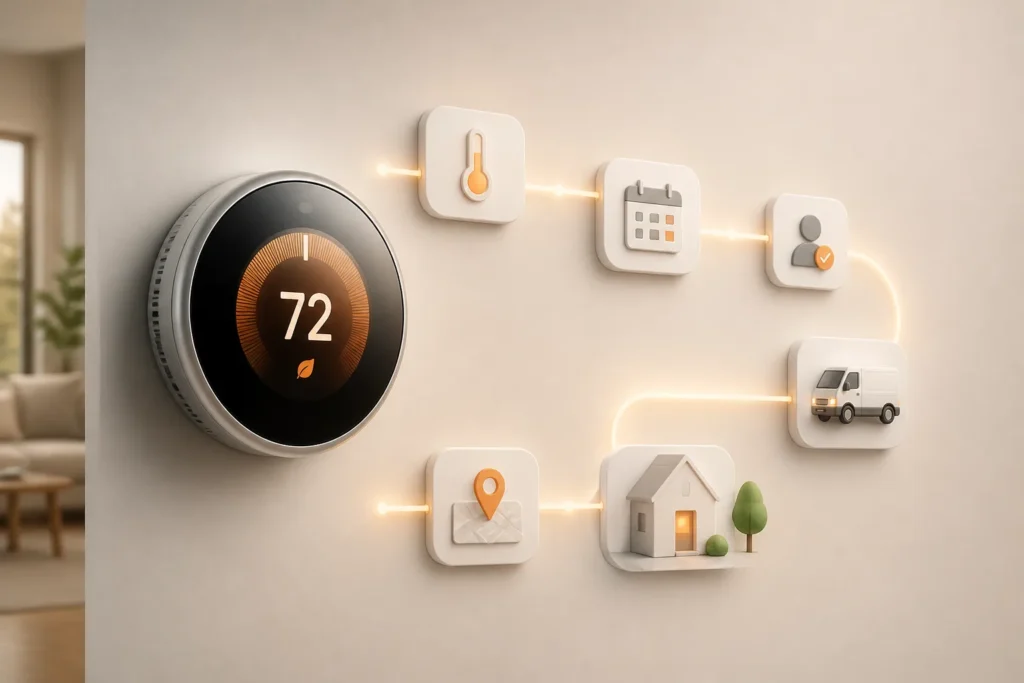
What benefits can automation bring to HVAC, plumbing and cleaning businesses?
Automation can reduce repetitive handoffs, keep job information clearer and make customer communication more consistent. In practice, that often means less duplicate entry, fewer missed follow-ups, better visibility into schedules, and faster access to current job status for office staff, field teams and managers.
The most practical gains come from consistency. When inquiry details move directly into your scheduling or job system, your team doesn’t have to type the same name, address and service issue multiple times. When reminders and follow-ups run on clear rules, fewer tasks depend on someone remembering them at the end of a busy day.
Workflow automation can also improve internal visibility. Office staff can see whether a job is booked, dispatched, completed, invoiced or waiting for approval without checking several tools or asking multiple people. That matters on a Monday morning when phones are busy and customers want answers immediately.
Just as important, automation supports employees rather than replacing them. Routine notifications, data transfer and standard status updates are good candidates for software. Service recovery, unusual requests, disputed invoices, upsell conversations and complex scheduling trade-offs still belong with people. If a plumbing customer has water on the floor, they don’t want an endless automated loop. They want a fast path to a capable human.
The benefits vary by service type:
- HVAC: better coordination of maintenance agreements, seasonal reminders and follow-up after visits.
- Plumbing: faster communication during urgent jobs and clearer updates when timing changes.
- Cleaning: more dependable recurring schedules, confirmations and repeat-booking communication.
Before buying any tool, define the problem first. Are you trying to shorten response time, reduce missed reminders, improve schedule accuracy or connect data for reporting? Home service business automation creates value when the workflow and the problem are specific. Otherwise, you risk buying attractive software that solves a problem you don’t actually have.
That is why home service business automation should be treated as an operations decision first and a software decision second. The tool matters, but the reason for using it matters more.
Compare business process automation offers
Which software and business data do you need to automate service work in Home Service Business Automation for HVAC, Plumbing and Cleaning?
Start with the systems you already use for customer records, job management, scheduling, billing and communication, then check whether they can share data reliably. Effective automation depends less on adding more tools and more on making sure the right information moves between the tools that already run your service operation.
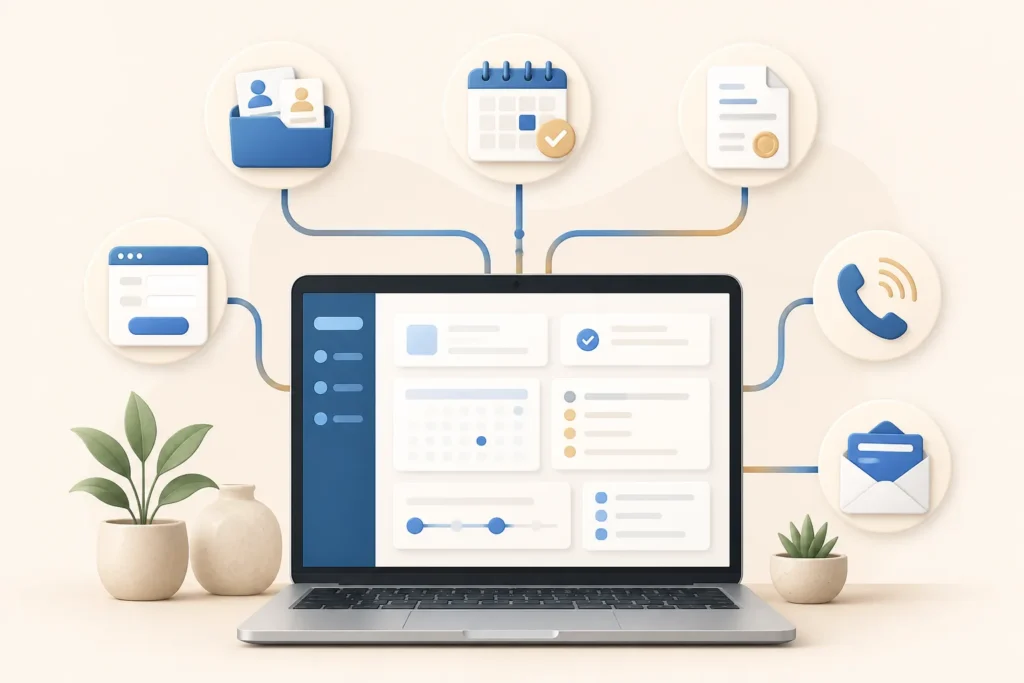
The most common data sources in service businesses include CRM records, field service management software, scheduling and dispatch tools, accounting and invoicing systems, website forms, call tracking, and email or text-message platforms. Each may hold part of the customer story. The challenge is deciding which system is the source of truth for each piece of information.
| Tool or system | Typical role | Questions to ask before connecting it |
|---|---|---|
| CRM | Stores customer profiles, history, notes and sales activity | Is it the master record for customer details? Are duplicates common? Which fields are required? |
| Field service management software | Manages jobs, work orders, technician status and completion updates | Can it receive inquiry data automatically? How are job types and statuses defined? |
| Scheduling and dispatch tools | Books appointments and assigns crews or technicians | Can it trigger reminders and status updates? How are urgent jobs handled? |
| Accounting and invoicing system | Creates invoices, records payments and supports reporting | When should completed jobs sync to billing? Who corrects invoice mismatches? |
| Website forms | Captures inbound service requests | What required information is collected? Where does the data go first? |
| Call tracking system | Logs calls, sources and sometimes recordings or outcomes | Can calls be tied to customers or jobs? How are missed calls followed up? |
| Email and text platforms | Sends confirmations, reminders and follow-ups | Who approves message content? How are opt-ins and permissions handled? |
Your automation setup also depends on clean data basics. Use consistent customer and job identifiers. Keep service categories accurate so a drain-clearing request is not mixed with a water-heater install in reports. Assign clear ownership for records and permissions so staff know who can edit, approve or correct information. Create a simple process for fixing incomplete or conflicting records instead of letting bad data spread.
Reporting deserves its own distinction. A dashboard is not the same thing as the software that schedules and manages jobs. Operational tools run the work. Dashboards summarize the work. If you want to review inquiry volume, open jobs, missed follow-ups or technician utilization trends, business intelligence tools can help pull that information together after your source systems are connected.
For dashboards, many businesses compare Power BI, Looker Studio and Tableau. None is universally best. Suitability depends on four practical questions:
- Data connectors: Can it connect cleanly to your CRM, job system, spreadsheets or database?
- Reporting needs: Do you need simple operational visibility or more advanced analysis?
- User skills: Who will build reports and who will maintain them after launch?
- Budget: What can you support not just now, but over time?
Home service business automation works better when you simplify before you connect. If two systems store the same customer differently, fix that first. If teams use inconsistent service names, standardize them first. Automating dispatch and follow-up becomes much easier when your data model is boring, clear and dependable.
How much does automation cost, and how long does implementation take?
Cost and timing depend on the number of workflows, current software, integrations, data condition, training needs and the amount of consulting or custom work required. A focused pilot can be far simpler than a multi-system rollout, so the right estimate should come from current vendor quotes or a clearly scoped implementation proposal.
There isn’t one honest flat number because service businesses start from very different places. One company may already have scheduling, invoicing and texting inside a single platform. Another may be juggling spreadsheets, a stand-alone accounting tool, website forms and a separate dispatch process. Those are different projects even if both use the word automation.
Break cost into separate components so proposals are easier to compare:
- Software subscriptions: new or upgraded tools for scheduling, messaging, automation or reporting.
- Setup and configuration: workflow rules, templates, statuses, forms and user roles.
- Integrations: connections between systems so data moves automatically.
- Data cleanup: fixing duplicates, incomplete records and inconsistent categories.
- Dashboard development: reports in Power BI, Looker Studio or Tableau if needed.
- Staff training: onboarding office staff, dispatchers, technicians or crew leads.
- Ongoing support: updates, troubleshooting and change requests after launch.
That is why any automation project should be scoped in stages. A limited pilot might focus only on inquiry capture and appointment confirmations. A broader initiative might connect CRM, dispatch, invoicing, communications and dashboard reporting across multiple service lines. The second one naturally involves more decisions, testing and ownership.
A practical project plan usually includes these milestones:
- Discovery: review workflows, systems and pain points.
- Workflow design: define triggers, actions, exceptions and approvals.
- Configuration: set up forms, fields, statuses, automations and permissions.
- Testing: validate normal cases and edge cases before launch.
- Training: teach users what changes, what stays manual and how issues get escalated.
- Rollout: launch the workflow and monitor actual use.
The schedule should be estimated only after scope and integrations are known. Ask vendors or consultants direct scoping questions:
- Which workflows are included?
- What data must move between systems?
- What deliverables will you receive?
- Who owns testing and sign-off?
- What support is included after launch?
Home service business automation is easier to buy wisely when you compare defined deliverables instead of vague promises. A good automation plan should feel like an operational project with software attached, not a software purchase with the hard parts left for your staff to figure out later.
See business process automation prices and scope
How can a home service business plan and launch Home Service Business Automation for HVAC, Plumbing and Cleaning step by step?
Choose one operational problem, document the current process, define a measurable outcome, test a limited workflow and expand only after staff can use it reliably. That approach keeps the project grounded in day-to-day operations and reduces the risk of rolling out connected tools before the team is ready.
The best launch plans start on the floor, not in a software demo. Talk to the dispatcher who fields urgent calls, the office coordinator who fixes booking errors and the technician or crew lead who deals with missing job details. They know where the real friction is.
- Interview the people doing the work.
Ask where requests get lost, what information is usually missing, and which follow-ups rely too much on memory. If different employees describe the same process differently, standardization needs attention before automation.
- Map the process and exceptions.
Write out the trigger, required information, handoff, decision points and exceptions. Include messy real-world cases such as after-hours calls, duplicate customer records or jobs that need manager approval.
- Review existing tools and data.
List the systems already involved: CRM, field service software, dispatch tool, accounting platform, web forms and messaging tools. Identify where the same data is stored twice or where a manual export currently fills the gap.
- Set requirements and success measures.
Define what the workflow must do and how you will judge whether it worked. That may be more consistent confirmations, fewer missed follow-ups or reduced manual re-entry.
- Configure and test.
Build the workflow in a limited environment if possible. Test routine cases first, then edge cases: urgent plumbing requests, invalid phone numbers, reschedules, cancellations and overlapping appointments.
- Train users, launch and review.
Show each role exactly what changes. After launch, review both data and staff feedback, then adjust before adding more automations.
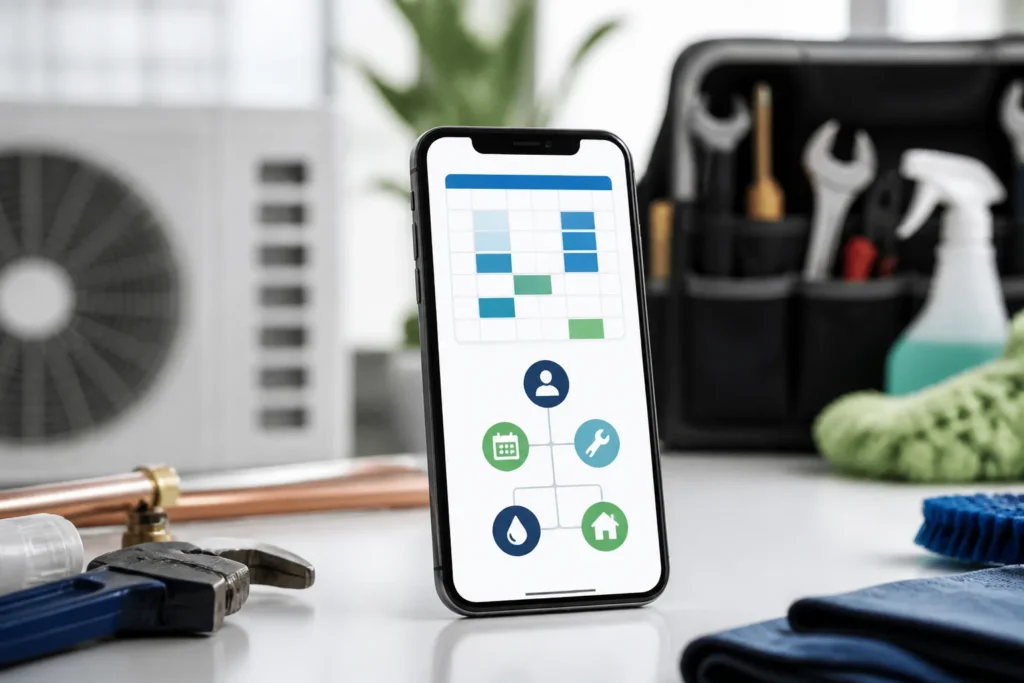
A concrete pilot example is automating appointment confirmations. Start when a scheduler books a job. The system sends a confirmation by text or email using approved templates, logs the communication, and prompts staff only if the customer does not confirm or if contact data is incomplete. That pilot is narrow, easy to observe and useful across HVAC, plumbing and cleaning.
Home service business automation also needs safeguards. Assign a workflow owner so someone is accountable when a rule fails or needs revision. Restrict access so not every user can edit core workflow logic. Test edge cases. Keep a human review path for urgent or unusual requests where speed and judgment matter more than automation purity.
If your team is unsure where to begin, an AI and data consulting partner can help structure the work. AI & Data Consulting Desk supports AI adoption planning, automation consulting, implementation planning, analytics design and a practical AI/data roadmap for businesses that know they need better systems but haven’t defined the first move yet. That kind of support is especially useful when you need help sorting process issues from software issues.
Field service automation succeeds when the first launch is deliberately small. Once staff trust the appointment confirmation workflow, you can connect reminders, dispatch updates, invoice triggers or dashboards in later phases. Home service business automation is easier to scale when your team has already seen one workflow work well in real conditions.
How should you measure whether business automation is working?
Compare a small set of baseline measures with results after rollout, using consistent definitions and data from the systems that actually handle the work. The goal is not to prove software is impressive. The goal is to see whether the workflow solved the original operational problem without creating new friction.
Start by choosing measures that match the reason you launched the automation in the first place. If the problem was slow follow-up, track response time. If the problem was missed communications, track completed reminders or confirmation status. If the problem was office workload, estimate time spent on manual entry before and after the change.
Useful measures to consider include:
- Time from inquiry to response
- Missed or rescheduled appointments
- Completion of follow-up tasks
- Repeat bookings or recurring service retention
- Time spent on manual data entry
- Visibility into current job status
This kind of automation should not be judged against generic industry benchmarks pulled from somewhere else. Each company should choose measures tied to its own workflow and service model. A plumbing company focused on emergency response may care most about intake speed and status updates. A cleaning company may care more about recurring schedule reliability and fewer missed confirmations.
A BI dashboard can help you review these measures in one place. Power BI, Looker Studio and Tableau can all be used to combine relevant data from CRM, job systems, communications and billing tools. But dashboards are only useful when source records are accurate, definitions are clear and updates happen consistently. A polished report built on incomplete job statuses will still mislead you.
Review results with frontline staff, not just managers. Dispatchers, coordinators and field teams can tell you whether the workflow is truly easier or whether the numbers hide a new problem. For example, automated reminders may show as sent, yet customers may still call confused because the arrival window was unclear. That feedback matters.
When numbers and day-to-day experience disagree, investigate both. Home service business automation should make work more reliable in practice, not just cleaner in a dashboard. Automation improves fastest when measurement and staff feedback are reviewed together.
What should you do next to automate your service business?
Pick one recurring operational bottleneck, document how it works now, list the systems and data involved, define one success measure and get a scoped plan for fixing it. If internal capacity is limited, ask for implementation proposals that clearly separate workflow design, setup, integration, training and post-launch support.
Start with something concrete and repeatable. That might be missed appointment confirmations, slow web-lead follow-up, inconsistent dispatch updates or recurring-service reminders that depend too much on manual effort. Write down the current process exactly as it happens, including workarounds, exceptions and delays.
Then build a short action list:
- Choose one bottleneck that happens often enough to matter.
- Document the current workflow from trigger to completion.
- List the systems and data involved, including who owns each one.
- Define success with one or two practical measures.
- Request scoped proposals if your team lacks time, integration skill or clear project ownership.
Home service business automation usually works best when owners and operations leaders begin with a practical automation or analytics assessment before committing to a broad AI initiative. If the real issue is fragmented scheduling data or unclear workflow ownership, a large AI project won’t fix that foundation.
AI & Data Consulting Desk can support that early stage by helping you evaluate AI adoption, compare automation options, identify analytics and BI needs, plan implementation and shape a realistic AI/data roadmap. That is especially helpful when integrations, data quality or project ownership are unclear and you need an outside view to narrow the problem.
Automating your service business is most effective when you treat it as an operational improvement program, not a rush to add more software. Home service business automation becomes manageable once you define the first workflow, the required data and the person responsible for making it work.
Find business process automation on Fiverr
Executive summary
- Start with one recurring operational bottleneck rather than trying to automate the whole business at once.
- Map the workflow before choosing software, including triggers, required information, owners and exceptions that need human review.
- Connect existing systems carefully and clean up data first so automation and dashboards are based on reliable records.
- Measure success with a small set of practical metrics tied to the original business problem, then adjust the workflow based on both data and staff feedback.
- Seek scoped implementation help when integrations, data quality or project ownership are unclear, especially before committing to a wider AI initiative.
- Home service business automation works best when you automate one handoff at a time, starting with booking and dispatch.
Common client questions
- What is home service business automation?
It is the use of software and connected workflows to reduce repetitive administrative work and coordinate customer, job, scheduling and billing information. In practice, that often includes inquiry capture, reminders, dispatch communication, invoicing workflows and reporting.
- What should an HVAC, plumbing or cleaning company automate first?
Start with repetitive, high-volume workflows that create avoidable delays or missed follow-ups. Good first candidates are inquiry capture, appointment confirmations, reminders, dispatch updates and recurring service reminders.
- Does automation replace dispatchers, office staff or technicians?
No. Automation is best used for routine notifications, data movement and standard workflow steps. People still need to handle exceptions, urgent situations, service issues, customer concerns and scheduling judgment.
- Do I need new software to automate a home service business?
Not always. Many businesses can start by improving how their current CRM, scheduling, dispatch, invoicing and communication tools work together. The first step is checking whether existing systems can share data reliably.
- Which dashboard tool is best for service business reporting: Power BI, Looker Studio or Tableau?
The right choice depends on your data connectors, reporting requirements, internal skills and budget. One company may need straightforward operational visibility, while another needs more complex reporting across several connected systems.
- How do I know whether automation is working?
Measure results against the original problem you wanted to solve. Common examples include time from inquiry to response, missed or rescheduled appointments, completion of follow-up tasks, repeat bookings and time spent on manual data entry.
